
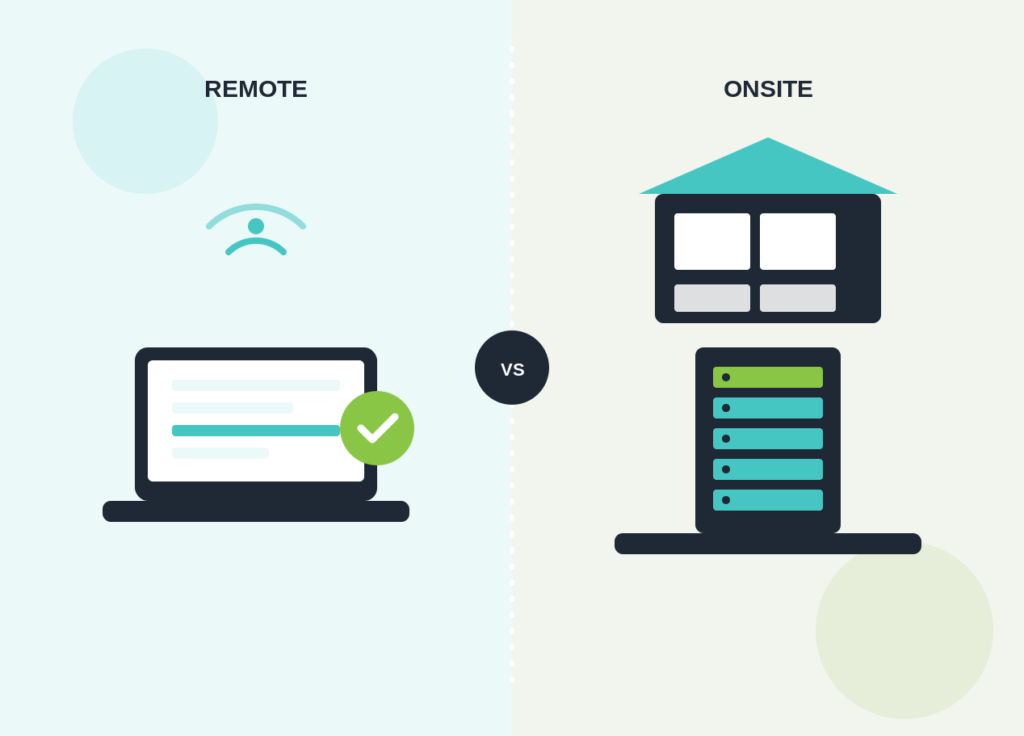
If you’re choosing an IT support provider, or reviewing the one you already have, you’ll eventually hit this question: do you need someone physically in your office, or can most of it be handled remotely? Getting this wrong means either paying for onsite engineers you rarely use, or being stuck waiting for a screen-share fix when what you actually needed was a person with a screwdriver. This guide compares what each model covers, when each one matters, and how to work out the right mix for your business.
What Remote IT Support Actually Covers
Remote IT support means an engineer connects to your device, server or network over the internet rather than travelling to your office, usually starting with a call or ticket logged through an IT helpdesk. In our experience, this covers a large share of everyday IT issues without anyone needing to be onsite at all.
- Password resets, account lockouts and login issues
- Software installs, updates and licence problems
- Email, Outlook and Microsoft 365 configuration
- Slow or misbehaving laptops and desktops
- VPN, remote access and Wi-Fi configuration issues
- Server monitoring, patching and routine maintenance
- Security alerts, antivirus issues and most malware clean-up
- Guiding a member of staff through a fix over a call or screen share
Because there’s no travel time involved, remote fixes are usually the fastest way to get a routine issue resolved, and it’s the model most managed IT support providers use as their default for exactly that reason. If most of what your business needs falls into this list, our remote IT support service is built specifically around it.
What Onsite IT Support Actually Covers
Onsite IT support means an engineer comes to your premises. It costs more per visit and takes longer to arrange, so it’s generally reserved for problems that genuinely need a person in the room.
- Hardware failures: a dead workstation, failed hard drive or faulty monitor
- Network cabling, switches and physical infrastructure work
- Setting up new starters’ desks, phones and equipment
- Office moves, refits or new site setups
- Server room or comms cabinet work
- Printer, scanner and other peripheral hardware faults
- Situations where remote access itself has failed or isn’t possible
- Face-to-face training or a physical security review of the premises
None of this can be fixed with a screen share. A network switch that’s failed, a machine that won’t boot, or a new starter’s desk that needs setting up before 9am all need a person physically present. Where this is the bigger part of what you need, our onsite IT support service covers scheduled and reactive visits.
Remote vs Onsite IT Support: Side-by-Side Comparison
Here’s how the two models compare against the factors that usually matter most when choosing.
| Factor | Remote IT Support | Onsite IT Support |
|---|---|---|
| Typical response speed | Fast. Often minutes for routine issues, since no travel is involved | Slower. Depends on distance and technician availability, typically hours rather than minutes |
| Best suited to | Software, accounts, configuration, monitoring and routine maintenance | Hardware faults, cabling, physical installs and anything requiring hands-on work |
| Typical cost | Lower per issue, usually included in a standard monthly support plan | Higher per visit, often charged separately or capped at a set number of visits |
| Scalability | Scales easily across multiple sites and remote or hybrid workers | Harder to scale across several locations without a local engineer at each |
| Limitations | Can’t fix physical hardware or work when a device won’t connect at all | Slower for simple issues that a remote fix would resolve in minutes |
Why Most Businesses Need a Hybrid of Both
In practice, very few businesses run on remote support alone or onsite support alone. A workable managed IT support contract usually combines both: remote as the default for day-to-day requests, with onsite visits built in for hardware work, new equipment, and anything remote access genuinely can’t reach.
1Remote-first, in our experience, works well when
- Most of your team works on laptops with standard software
- You have reliable internet and remote access already set up
- You want faster response times on day-to-day issues
- You have staff working from home or across multiple sites
2Regular onsite cover matters more when
- You run older or specialist hardware that fails often
- You have a server room or on-premises infrastructure to maintain
- New starters need desks and equipment set up in person regularly
- Your office layout or network relies on physical cabling that needs periodic work
A good managed IT support provider won’t make you choose one model outright. They’ll agree what’s covered remotely, what triggers an onsite visit, and how quickly each is expected to happen, and put it in writing.
How to Decide What Your Business Needs
Work through these questions before choosing a support model, or before renewing a contract that already assumes one.
Questions worth asking
- How much of our hardware is ageing or likely to fail in the next 12 months?
- Do we have a server or network equipment onsite that needs physical maintenance?
- How often do we onboard new starters who need a desk set up?
- Are our staff mostly in one office, spread across sites, or working remotely?
- How quickly do we need routine issues fixed compared with rare hardware problems?
- What’s our budget for support, and how does that change if onsite visits are frequent rather than occasional?
If most of your issues in the past year were software, accounts or configuration, remote-first support with occasional onsite cover is usually enough. If hardware, cabling or physical setup work comes up often, you’ll want a contract that includes more onsite time as standard rather than paying for each visit separately.
What to Check Before You Sign an IT Support Contract
Whichever mix you choose, get it written into the contract rather than assumed. At minimum, confirm what counts as a remote issue versus an onsite one, what response times apply to each, and how many onsite visits are included before extra charges apply. Our guide on what to look for in an IT support contract covers this in more detail, including the other terms worth checking before you sign.
Frequently Asked Questions
Is remote IT support as secure as onsite support?
It can be, provided the connection method is set up properly. Reputable providers use encrypted remote access tools with multi-factor authentication and only connect when there’s a genuine reason to, in the same way an onsite visit would be logged and authorised.
Does remote support cost less than onsite support?
Generally yes, since there’s no travel time or callout involved. Most providers include remote support as standard within a monthly plan and charge separately, or apply a visit allowance, for onsite work. Our guide on IT support costs for small UK businesses breaks down typical pricing structures.
Can a fully remote IT support provider still help if my hardware fails?
Not directly. A provider working entirely remotely can diagnose a hardware fault and advise on next steps, but replacing or physically repairing equipment needs someone onsite, whether that’s their engineer, a nominated local contact, or a third party they coordinate with.
How do I know if my current provider has the right balance?
Look at how issues were actually resolved over the past few months. If routine requests are taking as long as hardware problems, or onsite visits are happening for things that could have been fixed remotely, that’s usually a sign the balance needs revisiting.
Not Sure Which Support Model Fits Your Business?
Tell us how your business currently works and we’ll recommend a remote, onsite or hybrid support setup that actually matches it, with no obligation.
Remote versus onsite isn’t really a choice you need to make once and stick with. The right balance depends on your hardware, your team, and how your business changes over time, and it’s worth revisiting whenever your setup shifts significantly. Start from what actually breaks and how often, and build your support contract around that rather than the other way round.


